
App
Discover the pride of Harlow, Epping & Loughton with the official Lions on the Loose trail app!
Find and collect our magnificent lion sculptures across Harlow, Epping and Loughton while unlocking exciting rewards, offers and surprises along the way - plus the chance to win some fantastic prizes!
The app will guide you through this free, family-friendly art trail, featuring spectacular large lion sculptures designed by talented artists, alongside a pride of ‘little lions’ created by local schools and community groups.
You also have the chance to win some amazing rewards provided by our generous sponsors. Such as an annual Family Merlin Pass (worth £960), a day out at Herts Zoo, an iPad giveaway, and many many more!
Available to download on the App Store and Google Play, with proceeds from every purchase helping support the vital care provided by St Clare Hospice.


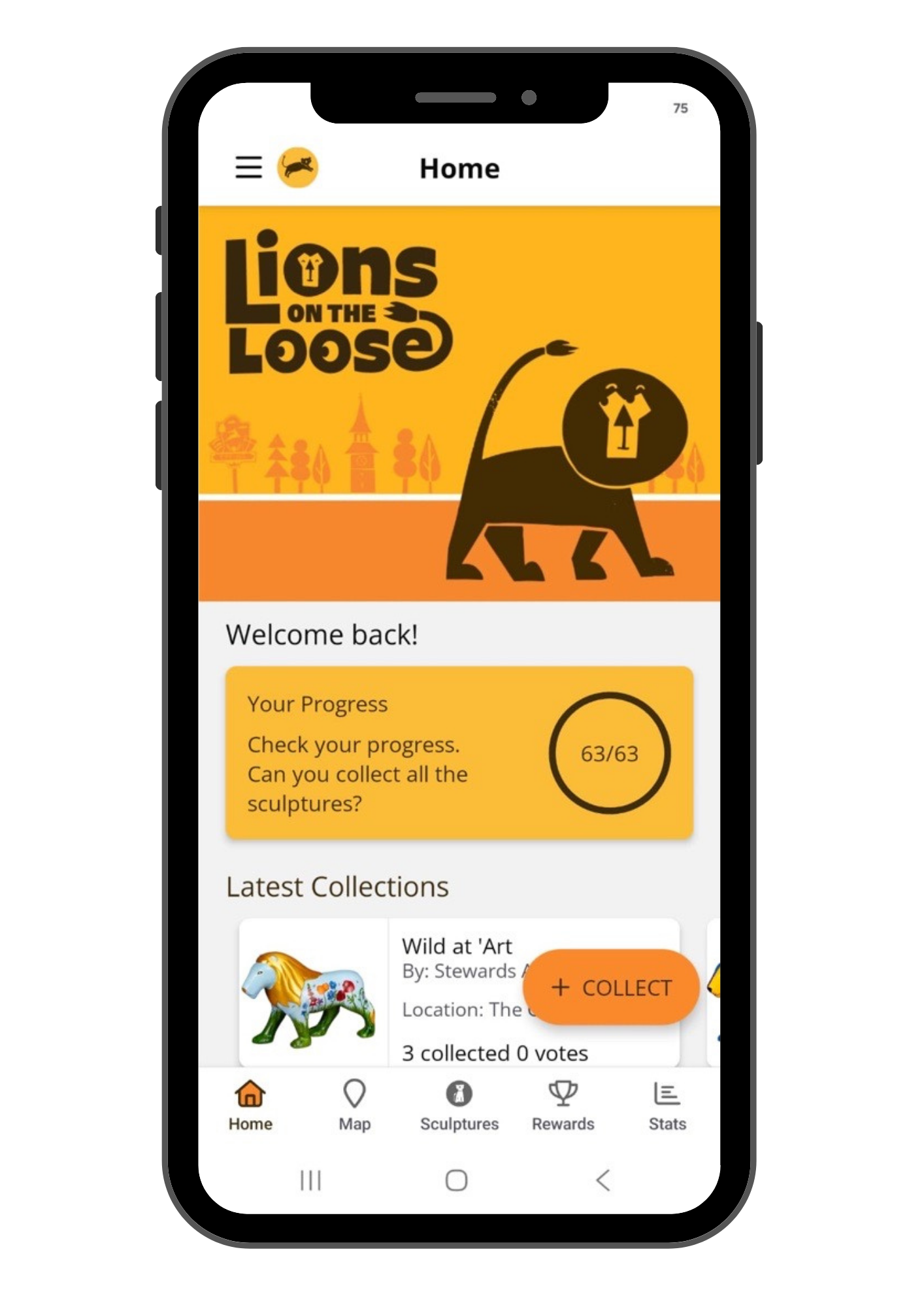
Collect Sculptures
Click + COLLECT and enter the 4-digit code found on the plaque by each sculpture to collect it.
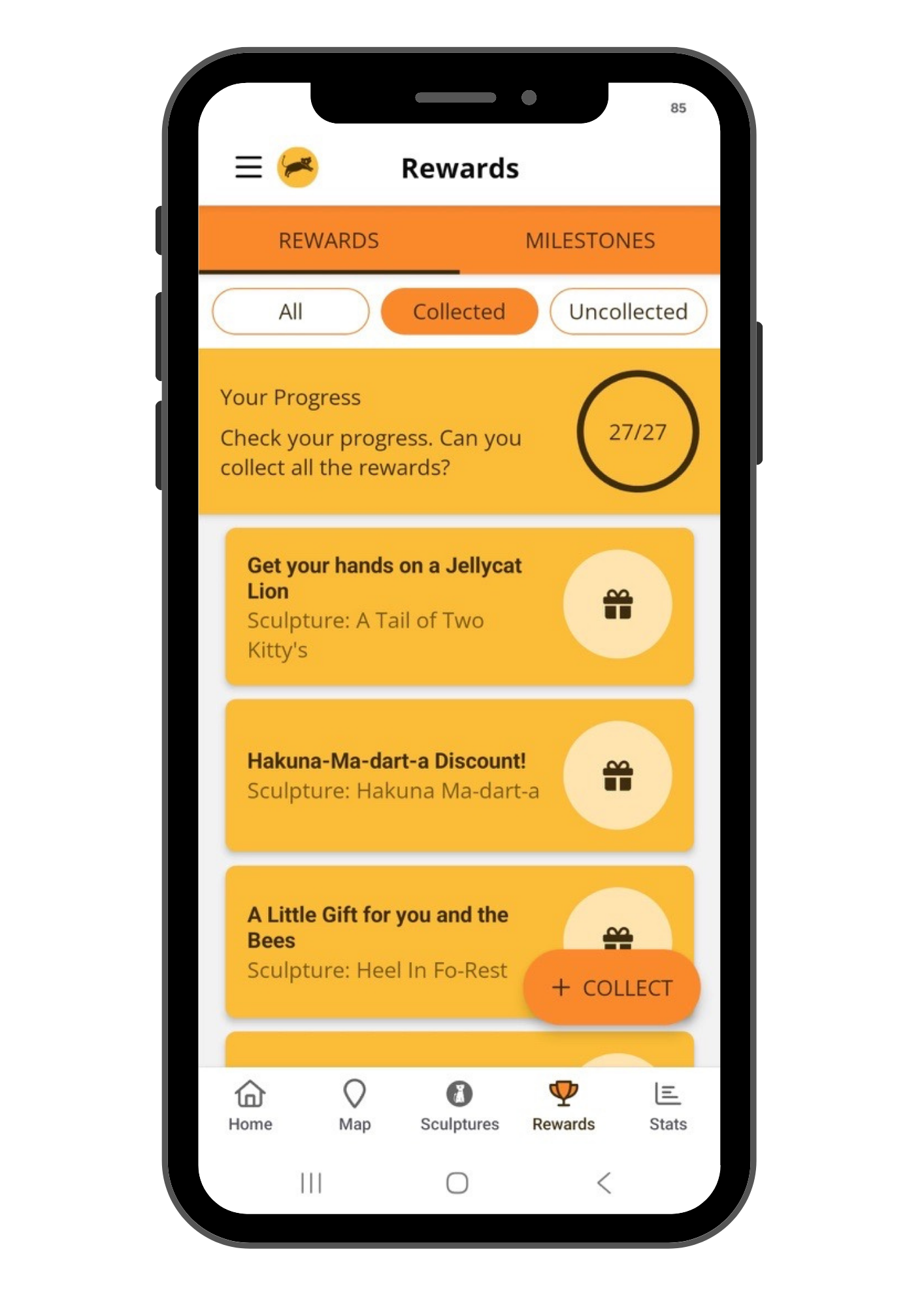
Unlock Rewards
Click the Rewards tab to see which exciting rewards and milestones you’ve unlocked, with discounts and amazing offers provided by our sponsors.
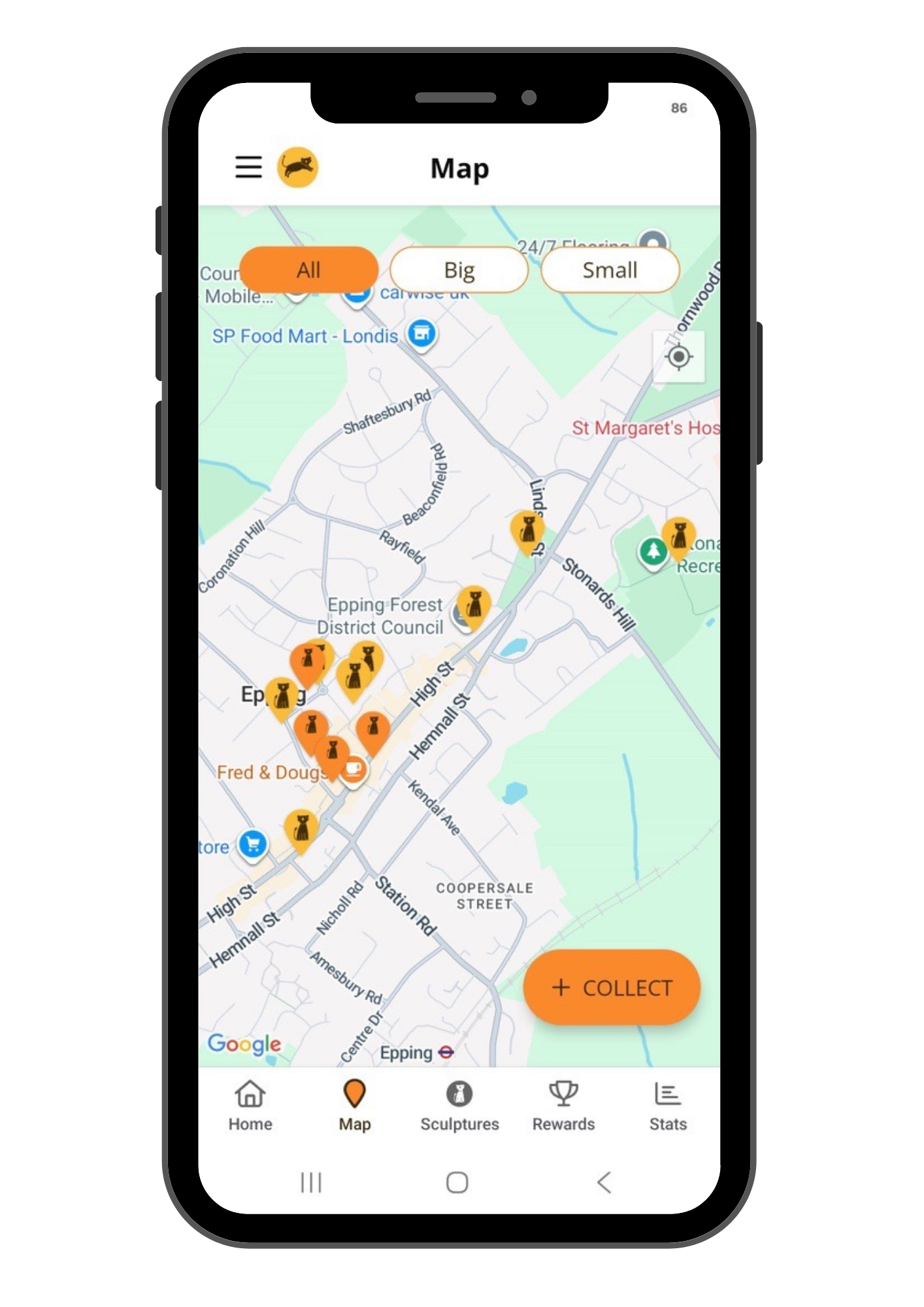
Find Sculptures
Pinch to zoom in and out of the map and turn on your location settings to help you find the sculptures.
Gallery
Click on a Lion and upload your photos with it to the gallery. Images will be reviewed before being published and can be seen by other app players and shared on social media. So show your creative flare!
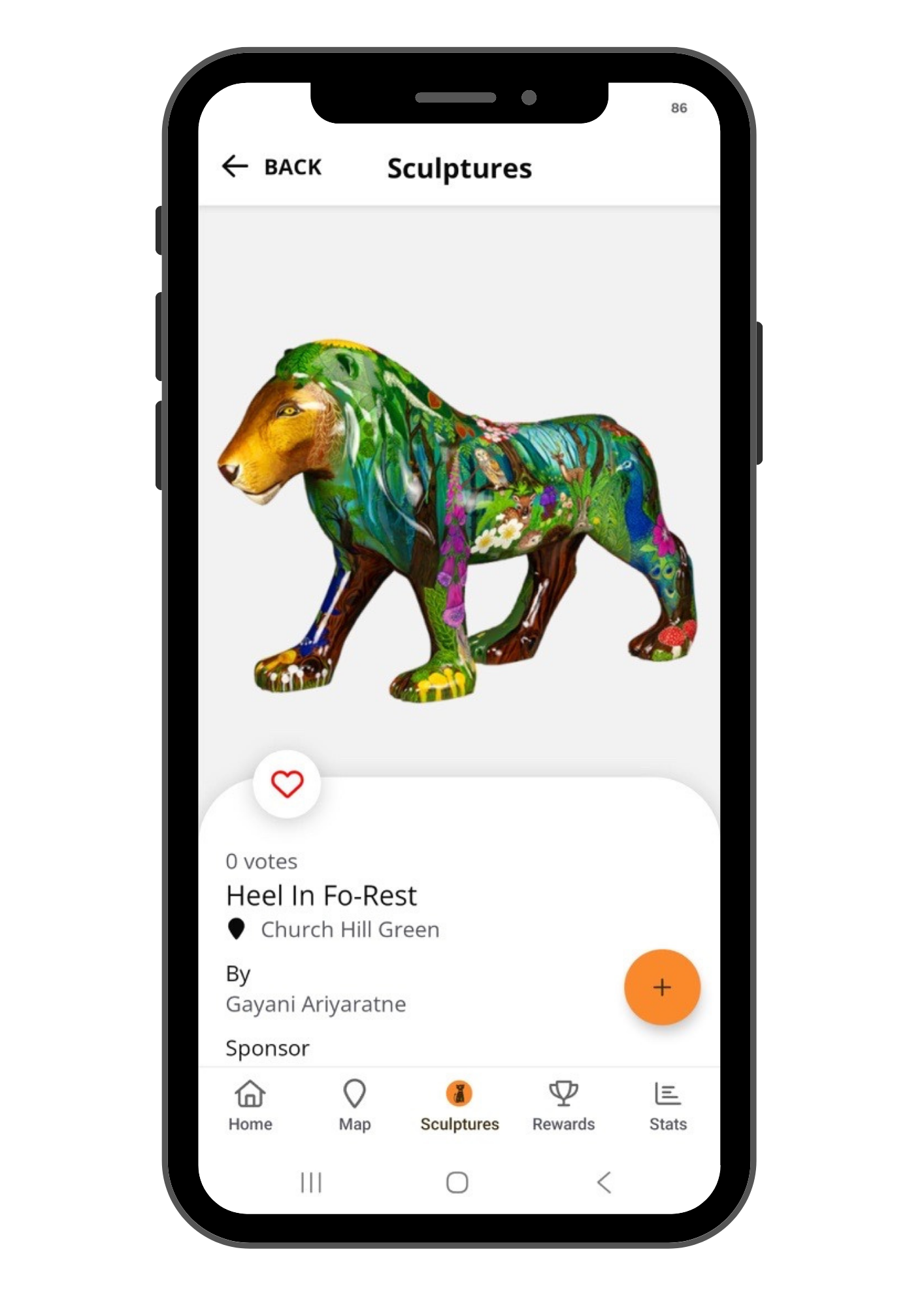
Our Lions
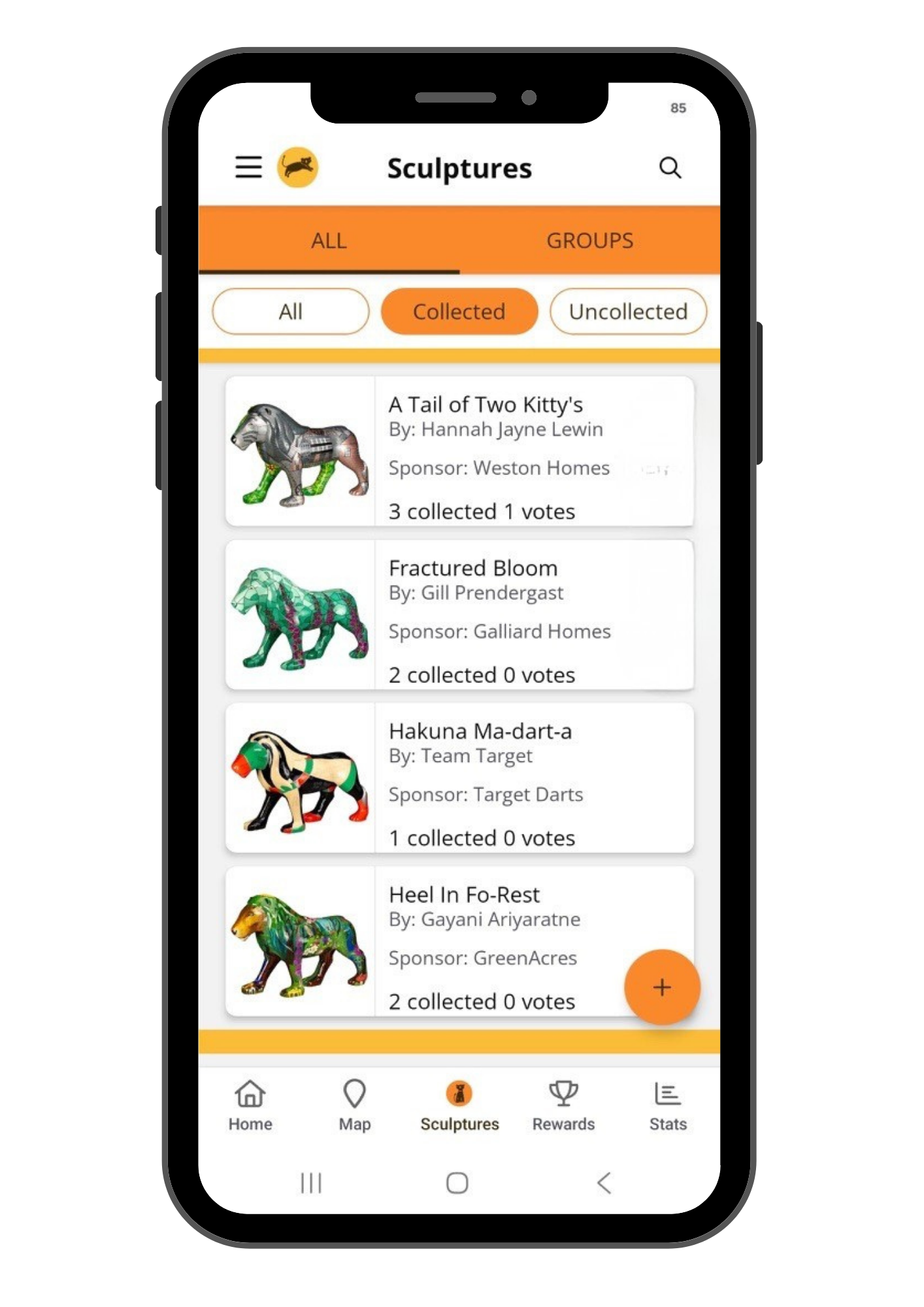
Find all our lions and their individual pages. You can even add them to your favourites!
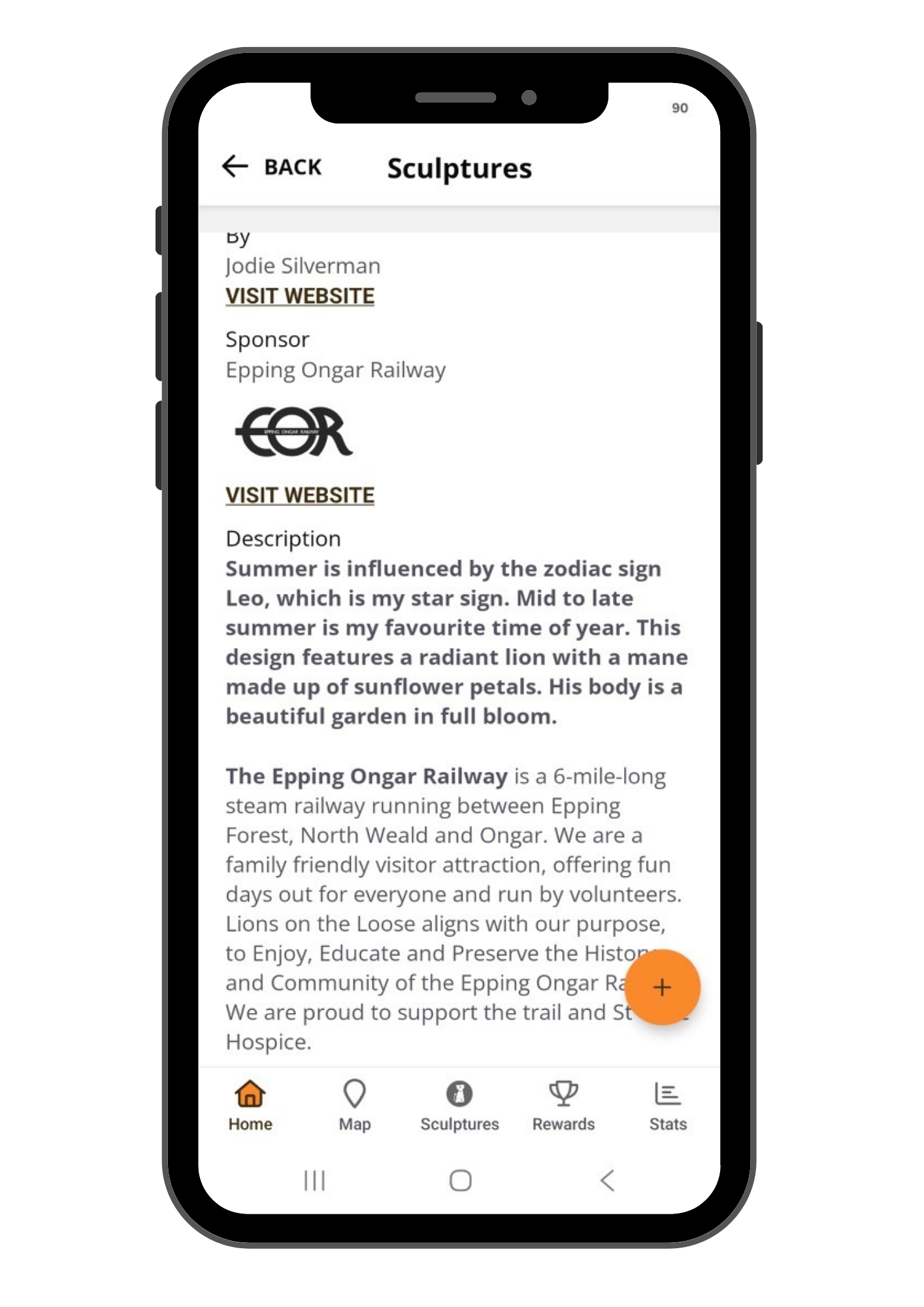
Learn more
There’s more information about each lion and the inspiration from our artists who painted them. You can also learn more about each lion’s generous sponsor.
FAQs
-
Search for ‘Lions on the Loose’
-
Check you’re connected to the internet, either Wi-Fi or a mobile network. Then ensure you’ve selected your age by clicking either the ‘under 16′ or ’16+’ buttons. Your age needs to be selected before being allowed to progress.
-
Check you’re connected to the internet, either Wi-Fi or a mobile network. Then please try again. If you see a message saying you have already registered, go to ‘log in’ and log in using the email and password you used to create your account. Forgot your password? Use the ‘Forgot Password’ button to reset it.
-
Log out via the menu in the top left and log in again this usually resolves the issue. If not, close the app completely and re-open it (or restart your device).
-
Log out via the menu in the top left and log in again this usually resolves the issue. If not, close the app completely and re-open it (or restart your device).
Check if you’ve been auto connected to public wi-fi as well as your 4/5G signal and choose one. Being connected to both can cause issues with signal. Then, close the app completely and re-open it, this will force the app to refresh.
-
Use the map; pinch and swipe the map to zoom in and out. Location settings on your phone need to be turned ON to see your location on the map. Or go to the sculptures tab to access the sculpture listings and search for the sculpture name, artist or location.
-
There is a 4 digit code found on the sculptures plaque. Click COLLECT + and enter the number. You have now collected the sculpture and if you’re lucky, you may have unlocked a reward at the same time.
-
You can upload a photo to the app Gallery by clicking Upload on the sculpture page. You’ll be asked to either ‘Take a photo or Choose from library’. Images uploaded will be vetted by the team prior to being published on the app. Your photo will be seen by other app players and can be shared on social media. So get creative.
-
If you’ve already collected a sculpture the app will display an incorrect code message. Check your sculpture listing pages to see if you have already collected it.
-
If you’re having problems with the app, please let us know by emailing our app support team with the details here.